
How to brief a website project on one page
Five questions to answer before you contact a designer or developer, and why a one-page brief leads to a clearer proposal and a more accurate price.
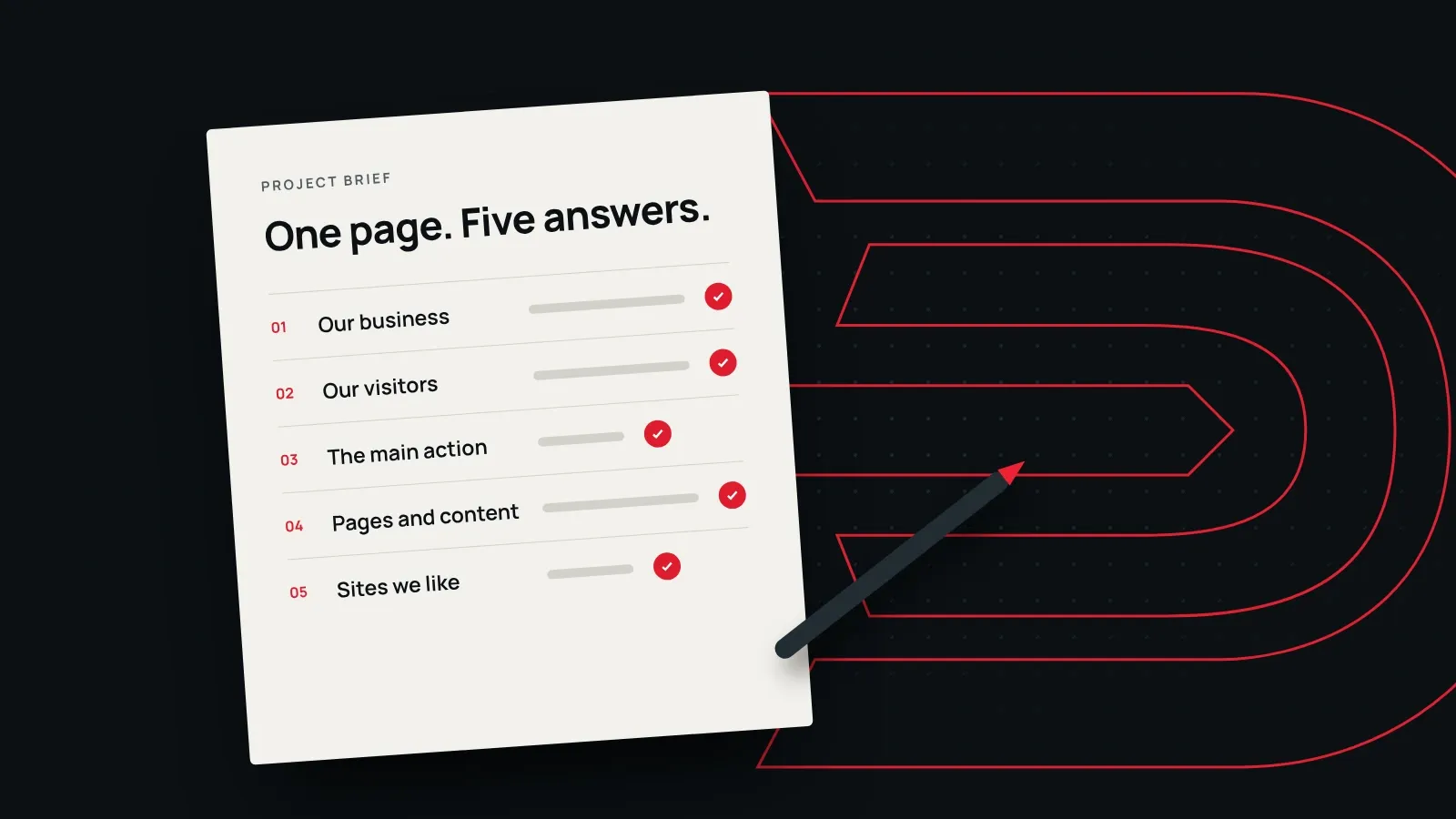
Most website projects that go wrong don’t go wrong in design or code. They go wrong earlier, when nobody wrote down what the website is for.
A one-page brief fixes that. It takes about an hour, it needs no technical words, and it lets any studio, including us, send you a clearer proposal and a more accurate price.
Why a brief matters
Without a brief, the people building your website have to guess. Guesses turn into revisions, and revisions turn into delays and extra cost. With a brief, the first draft starts much closer to what you need, and both sides can check every decision against something you agreed at the start.
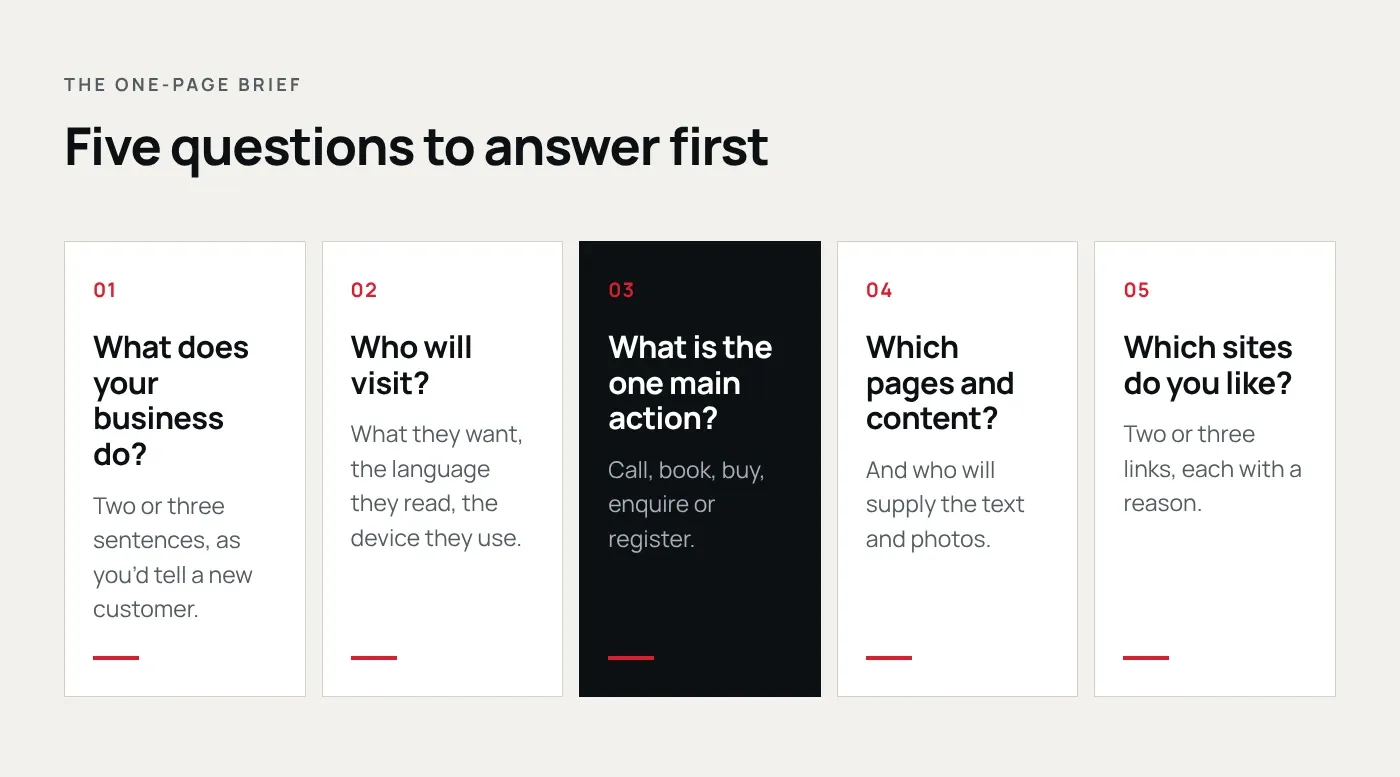
A good brief answers five questions. You don’t need perfect answers. If you can’t answer one yet, write “not sure”. That tells the studio where to start the conversation.
1. What does your business do?
Write two or three sentences, in your own words, the way you’d explain it to a new customer. Say where you work and who you serve. Leave out the mission statement; plain facts are more useful.
2. Who will visit the website?
Describe your main visitors and what they want when they arrive. Parents looking at a school want fees and admission dates. Candidates on a recruitment site want open jobs. Customers of a local shop want opening hours and directions.
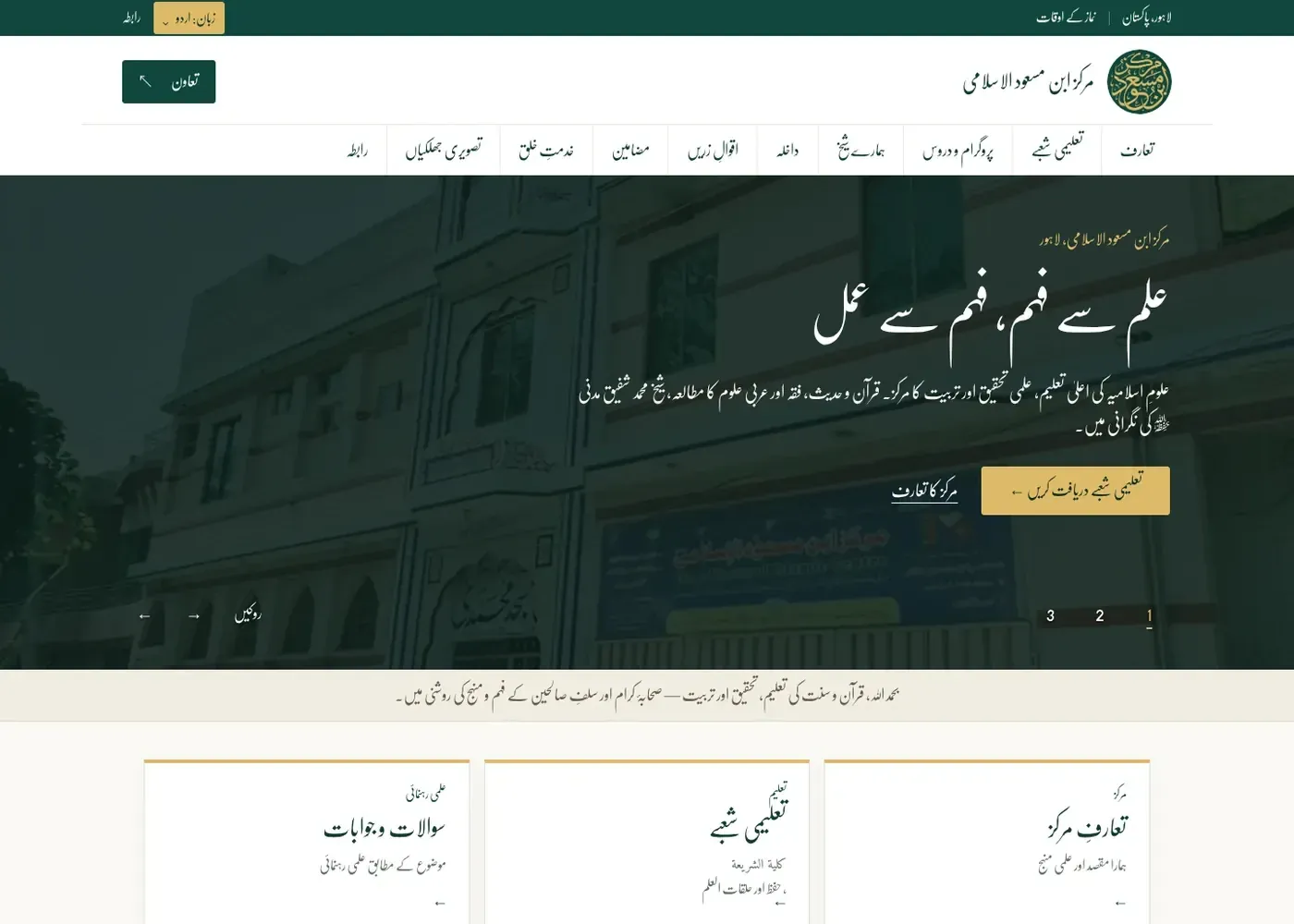
Note the language your visitors read and the device they mostly use. If most of them arrive on phones, say so, because it shapes the whole design.
3. What is the one main action?
Decide what you most want a visitor to do: call, book, buy, enquire or register. Pick one main action and, at most, one secondary action. Every page should make the main one easy to find.
If you can’t choose, that is worth discussing before any design starts. A website that asks for everything usually gets nothing.
4. Which pages and content do you need?
List the pages you expect, then say who will write the text and supply the photos. Content is the most common reason website projects run late, so deciding early who provides it keeps the timeline honest.
If you already have a website, note what to keep, what to rewrite and what to drop.
5. Which websites do you like, and why?
Share two or three links, each with one line explaining what you like: “prices are easy to find”, “calm colours”, “booking takes one minute”. The reasons matter more than the links. It also helps to mention anything you dislike.
Also useful: budget and timing
A budget range is enough. It lets a studio propose the right scope for you, instead of the biggest one. If there is a fixed date, such as a launch, an event or an admissions season, say so early.
A brief you can copy
- Our business: …
- Our visitors: …
- The main action: …
- Pages and content: …
- Websites we like: …
- Budget range and deadline: …
What happens after you send it
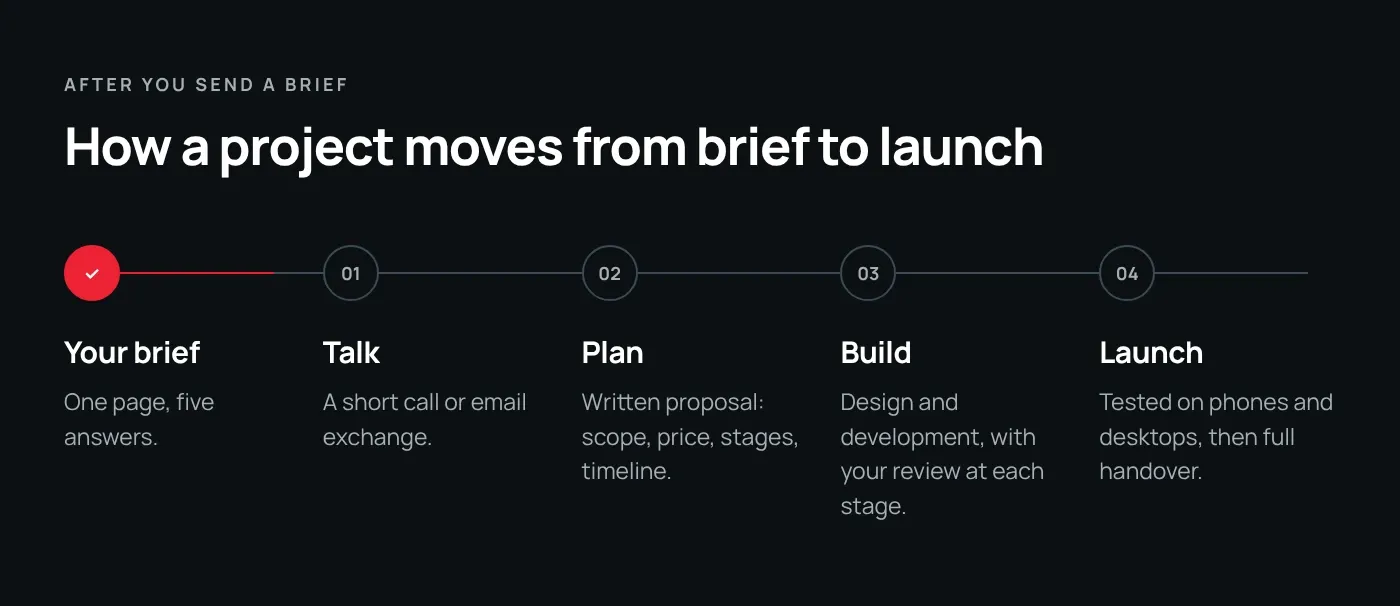
At DerekSol, a brief starts a short conversation. After that you get a written proposal with what we’ll make, the price, the payment stages and the timeline, before any work starts. You review the work at each stage, and at launch everything is handed over to you.
Your first message doesn’t need to be a finished brief. Paste whatever you have into our contact form and we’ll help you fill in the gaps.